Jotley 2.1.2 for Mac

How to Install Jotley for Mac

Jotley for Mac captures all audio on your system, browser audio, app audio, and your microphone, simultaneously. No meeting bots, no browser extensions.

Free software.
Supported by people.

At Protomota Software, I believe software should be free. That’s why I’m giving my apps away with every feature included. This includes Jotley. If you enjoy this app and find it useful, consider buying me a coffee. Your support helps keep the app running and lets me keep building. Thank you.

Buy me a coffee

Tips are entirely optional. Every feature stays free.

Download the Installer

Click below to download the installer, then follow the steps below.

Jotley-2.1.2-404.dmg5.0 MB · Version 2.1.2 (404)
Download Jotley for Mac
  • Signed by Protomota
  • Notarized by Apple
  • Signed updates
Verify the download

In Terminal, run shasum -a 256 ~/Downloads/Jotley-2.1.2-404.dmg and compare the result with this SHA-256:

6eb7fa5b33197ab4a78187808726f51829194b3267c9e9d937d7cbdf01064218
  1. Open DMG, Drag to Applications & Launch

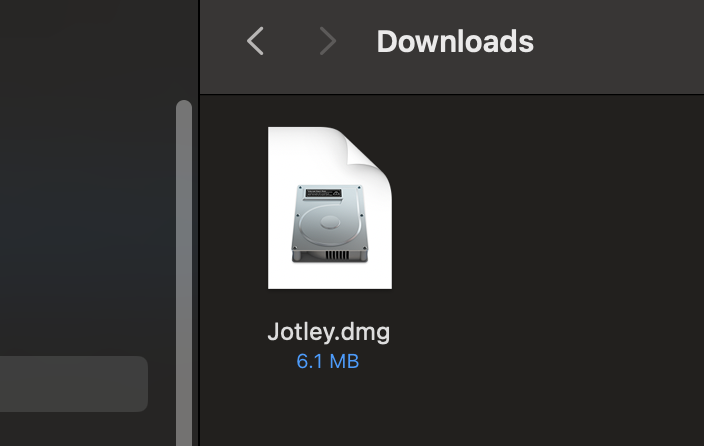
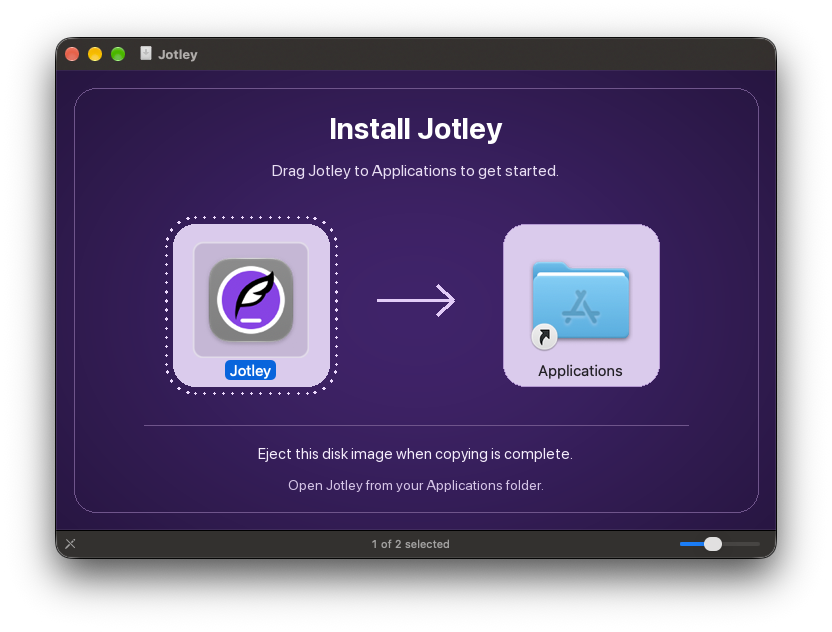
    Once downloaded, open the Jotley DMG file. Drag Jotley onto the Applications shortcut. When copying is complete, eject the disk image and open Jotley from your Applications folder.

    Jotley DMG file in Downloads folder
    Open the DMG from your Downloads folder
    Jotley installer window, showing the app icon, Applications shortcut, and instructions to drag Jotley into Applications
    Drag Jotley onto Applications, then eject the disk image
  2. Confirm Opening & Grant Permissions

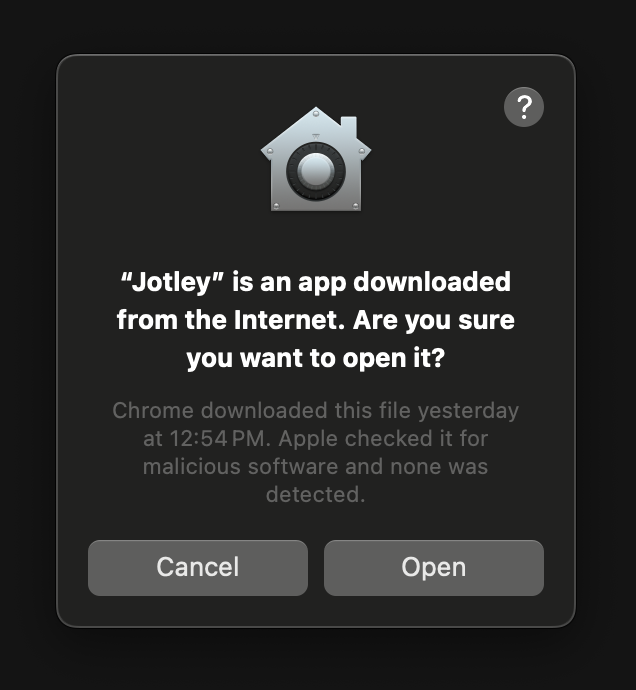
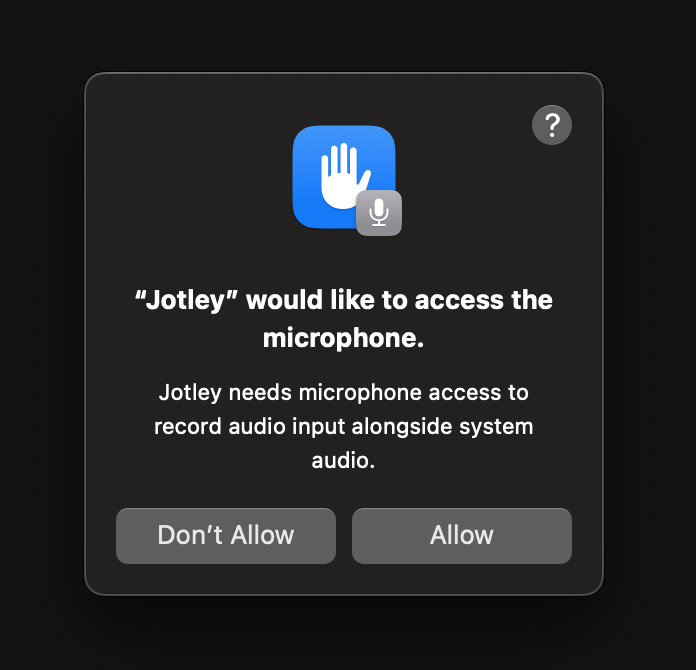
    Jotley is signed by Protomota and notarized by Apple. If macOS asks you to confirm opening it, click "Open". When you start transcribing, allow microphone and system-audio access when prompted.

    Confirm opening Jotley
    Click Open to launch Jotley
    Jotley microphone access prompt
    Allow access when you first transcribe

Installation Complete!

You have successfully installed Jotley. Enjoy using the app!

Apple Intelligence required

Jotley requires hardware that supports Apple Intelligence, with Apple Intelligence enabled. A software update alone won't make an unsupported device compatible.

iPhone

  • iPhone 15 Pro or iPhone 15 Pro Max
  • iPhone 16 models and later
  • iPhone Air

iPad

  • iPad models with M1 or later
  • iPad mini with A17 Pro

Mac

  • Mac models with M1 or later
  • MacBook Neo with A18 Pro

Requires macOS 27 or later.

16 Apple Intelligence languages: English, Danish, Dutch, French, German, Italian, Norwegian, Portuguese, Spanish, Swedish, Turkish, Chinese (Simplified), Chinese (Traditional), Japanese, Korean, Vietnamese. Jotley offers only languages supported by both Apple Intelligence and on-device speech on your device. Choose your language during welcome setup or change it in Settings.

These are Apple Intelligence hardware requirements for iPhone, iPad and Mac. Availability also depends on your software version, language and region. Check Apple's current requirements.